

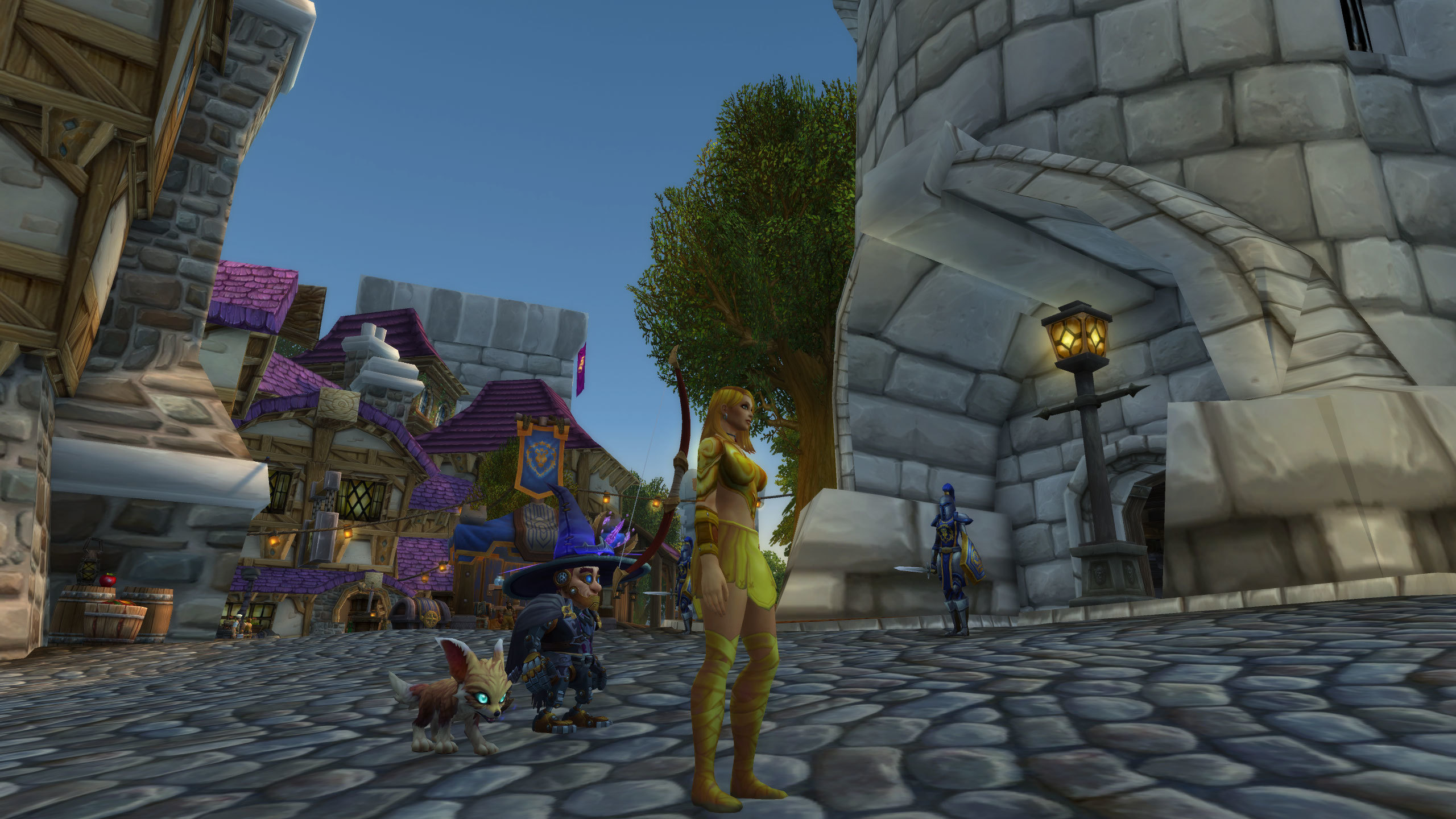
In World of Warcraft, Spatial Awareness is the divide between elite players and those who consistently “die to fire.” Most players use default settings that result in Visual Tunneling and Movement Latency. This is a Perspective Handicap. “The Movement and Camera Guide” is the discipline of Spatial Optimization. By adjusting how you see and move through the world, you gain a God-Eye View of the battlefield, allowing you to anticipate threats before they manifest.
The “Keyboard Turning” Eradication
Many players suffer from Rotational Sluggishness because they use the ‘A’ and ‘D’ keys to turn their character. This is the Legacy Movement Trap. A master of movement uses Mouse-Driven Orientation. By holding the Right Mouse Button to turn, your character rotates instantly, allowing for Precision Facing. Re-binding ‘A’ and ‘D’ to “Strafe” instead of “Turn” unlocks your character’s true mobility, transforming you from a slow-moving tank into a High-Agility Combatant.
The Pillars of Spatial Mastery (The Perspective Fix)
- 1. Maximum Camera Distance Decoupling:
- What: Increasing your camera zoom beyond the default slider using console commands.
- Why it matters: Provides Macro-Environmental Clarity. Being zoomed out allows you to see the entire boss arena, making it impossible for “adds” or “swirlies” to sneak up on you from behind.
- 2. Mouse-Look Sensitivity Calibration:
- What: Adjusting your DPI and in-game sensitivity to allow for a 180-degree turn with a single flick.
- Why it matters: This is your Reactionary Pivot. In M+, you often need to turn instantly to kick a mob behind you. High-precision sensitivity ensures your Tactical Response is frame-perfect.
- 3. The “Strafe-Jump” Technique:
- What: Using jumping to maintain forward momentum while turning your camera to look behind you.
- Why it matters: Allows for Continuous Information Gathering. You can run away from a threat while simultaneously targeting it or checking for incoming projectiles, maintaining 360-Degree Awareness.
- 4. Camera Follow Speed and Style:
- What: Setting “Camera Follow Style” to “Never” or “Only when moving.”
- Why it matters: Prevents Visual Disorientation. You want total control over where you are looking; allowing the game to “auto-snap” your camera can lead to Motion Sickness and missed mechanics during complex movement phases.
Utilizing “Target Scanning” for Enhanced Awareness
Elite movers don’t just look at the floor; they use Visual Scanning Patterns. By frequently “Tab-Targeting” or using “Mouseover” while moving, you gather data on enemy cast bars and health. This Active Surveillance ensures that you aren’t just reacting to what happens to *you*, but what is happening to the *entire group*. Good movement is 50% footwork and 50% Strategic Observation; if your camera is fixed on your own character’s back, you are playing half the game.
The “Deadzone” Awareness Training
To improve instantly, you must master Hitbox Perception. Every character has a “Deadzone”—the exact center point of their model where ground mechanics actually trigger. By training yourself to see the Geometric Center of your character rather than the flashy armor, you can stand in “safe pockets” that appear impossibly small to others. This Micro-Movement Precision allows you to maintain 100% DPS uptime in environments that force other players to run away in a panic.
Conclusion: The Master of Space
Movement is the foundation upon which all other skills are built. By mastering your camera and ditching legacy movement habits, you transform from a static observer into a Master of Space. You realize that the game is not just about what buttons you press, but where you stand when you press them. Fix your perspective, unbind your turn keys, and navigate Azeroth with the Fluidity and Grace of a true elite hero.
Leave a Reply